
WordPress Multisite Development Services
Stop the chaos of managing multiple websites. We build powerful, scalable, and efficient WordPress Multisite networks that provide centralized control to streamline your entire digital operation.
- No Card Required
- GDPR Compliant
- Total Peace of Mind!
Are You Drowning in a Sea of WordPress Dashboards?
Your business is growing, and your web presence is growing with it. You might be a franchise with a website for each location, a university with separate sites for each department, a real estate brokerage with a site for every agent, or a corporation with different sites for your various brands. Each site has its own WordPress installation, its own login, its own set of plugins to update, and its own theme to maintain.
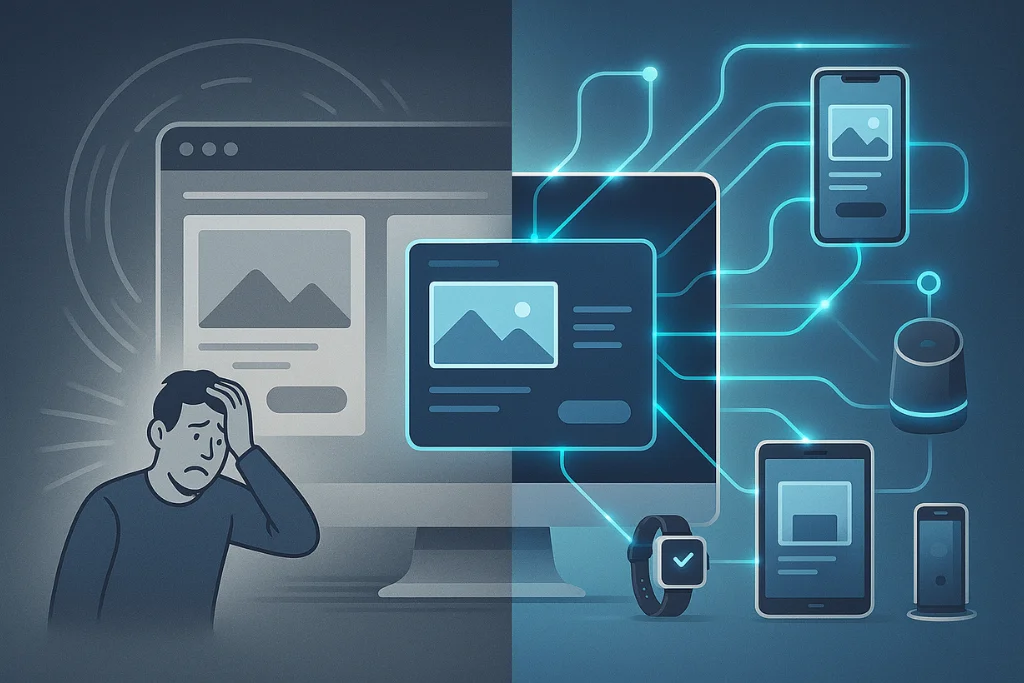
The result is chaos. Your team is wasting countless hours logging in and out of dozens of different dashboards to perform the same simple updates. You’re struggling to maintain brand consistency across WordPress websites, leading to a disjointed and unprofessional look. Onboarding a new branch or agent is a slow, manual process of setting up a brand-new website from scratch. The inefficiency is staggering, and the security risk of an un-updated site getting missed in the shuffle is immense.
You need to move from chaos to control. You need a centralized website management with WordPress solution. That solution is WordPress Multisite.
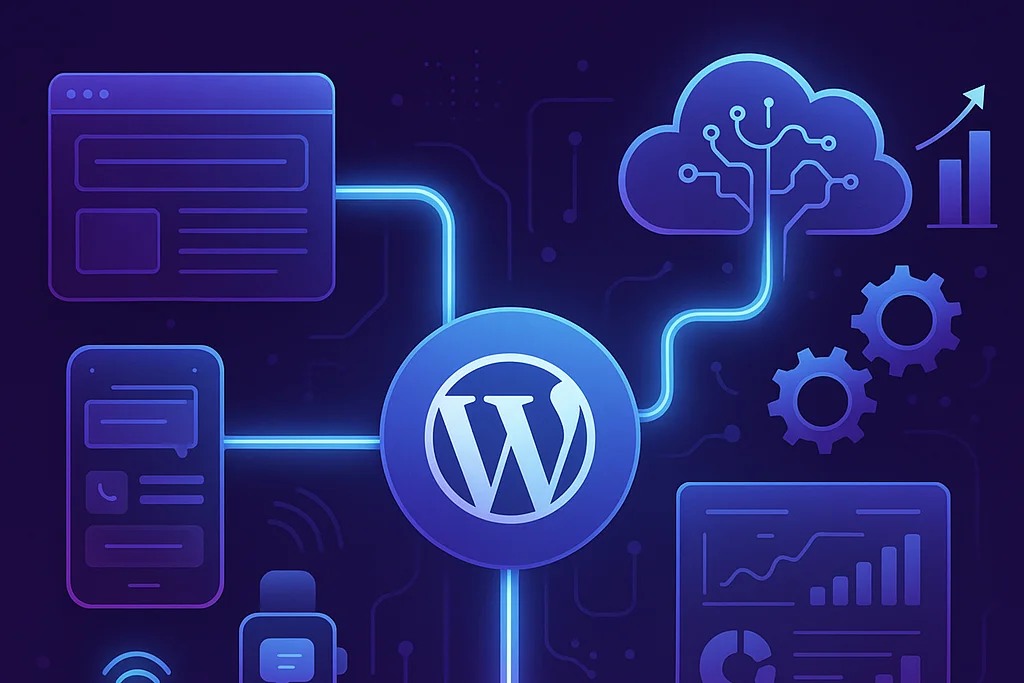
WordPress Multisite is a powerful, native feature of WordPress that allows you to manage multiple websites with WordPress Multisite from a single WordPress installation and a single dashboard. It’s a game-changer for any organization that needs to manage a network of related websites. At NeeFox® – Best IT Solutions Company, we are experts in WordPress Multisite Development, architecting and building these sophisticated networks to bring order, efficiency, and scalability to your digital ecosystem.
The Power of One
The Transformative Benefits of a Multisite Network
Activating a WordPress Multisite Configuration is more than a technical tweak; it’s a fundamental shift in how you manage your web properties. It’s a strategic decision to prioritize efficiency, consistency, and scalability, providing profound benefits that impact your entire organization.
Ultimate Efficiency with a Centralized Control Panel
This is the most significant and immediate advantage. A Multisite network gives you a “Super Admin” dashboard that provides a bird’s-eye view of your entire network.
- One-Click Updates: A new version of a plugin or theme is released. Instead of logging into 50 different websites to perform the update, you update it once from the network admin dashboard, and it’s instantly updated across every single site in your network. This saves hundreds of hours of manual work and ensures your entire network is always secure and up-to-date.
- Centralized User Management: You can manage users across the entire network from one screen. You can grant a user access to one site, several sites, or give them administrative privileges over the entire network.
- Streamlined Content and Feature Deployment: Want to add a new feature or a piece of content to all your sites? With a Multisite setup, this can be done efficiently from a central location.
Ironclad Brand Consistency
A Multisite network is the ultimate tool to maintain brand consistency across WordPress websites. This is particularly crucial for WordPress Multisite for franchises and universities.
- Controlled Themes: As the network administrator, you can install a base theme (or a set of approved themes) and make it available to all sites in the network. This ensures that every site adheres to your core brand guidelines.
- Controlled Plugins: You can install and activate essential plugins across the entire network, ensuring that every site has the necessary tools for SEO, security, and performance, while preventing individual site admins from installing potentially risky or off-brand plugins.
Rapid Deployment of New Websites
Imagine a new franchise location opens or a new department is created. With a Multisite network, you can spin up a new, fully configured website for them in a matter of minutes, not days.
- Clone or Template Sites: We can set up a “template” site with all the core pages, plugins, and settings already configured. When you need a new site, you simply clone the template, and it’s 90% of the way there.
Empower Your Users: This allows you to easily provide websites for your agents, branches, or members as a value-added service, without creating a massive administrative burden for your team.
Scalable and Cost-Effective
For organizations managing a large number of sites, a Multisite network can be a more efficient and cost-effective solution.
- Simplified Hosting: Managing a single, powerful hosting plan for your entire network is often simpler and more affordable than managing dozens of separate, smaller hosting plans. This requires a robust Multisite WordPress hosting environment, which is a key part of our planning process. We often recommend our premium WordPress Hosting solutions, which are optimized to handle the demands of a busy network.
- Reduced Maintenance Overhead: The time saved on updates and management translates directly into lower operational costs.
Our Comprehensive WordPress Multisite Services
As a highly specialized area of our WordPress development services, we offer a complete, end-to-end service for building and managing powerful Multisite networks.
1. WordPress Multisite Setup and Configuration
A proper setup is the foundation of a stable and successful network. Our WordPress Multisite network setup service is meticulous and strategic.
- Strategic Consultation: We start by determining if Multisite is the right solution for you. We then help you make the critical decision between a WordPress subdomain and subdirectory multisite configuration, explaining the SEO and structural implications of each.
- Technical Activation: We handle the technical process of enabling Multisite, which involves editing core WordPress files like wp-config.php and .htaccess.
- Network Configuration: We configure all the network settings from the centralized WordPress control panel, including new site registration options, allowed file upload types, and plugin/theme permissions.
2. Custom Multisite Theme and Plugin Development
We can build a WordPress theme that matches your brand and is designed to be the “parent” theme for your entire network. We can also develop custom plugins that are “network-aware,” allowing you to manage functionality from the Super Admin dashboard and have it apply across all sites.
3. Migration of Existing Sites into a Multisite Network
Do you already have several separate WordPress sites that you want to consolidate? This is a highly complex process, but we are experts at it. We carefully migrate the content, users, and media from your individual sites into a new, unified Multisite network, preserving all your data and SEO value.
4. Ongoing WordPress Multisite Management
A Multisite network is a powerful asset that requires ongoing care. Our WordPress Multisite Management services provide you with the expert support you need.
- Network Administration: We can act as your network administrator, handling all updates, user management, and new site creation.
- Security for the Entire Network: Securing a network is more complex than securing a single site. Our WordPress Security Solutions are tailored for Multisite, providing a hardened shield for your entire ecosystem.
- Performance Optimization: We ensure your server and your network are optimized to handle the traffic of all your sites, preventing one busy site from slowing down the others.
Our Proven 4-Step Multisite Development Process
We follow a structured, risk-averse process to build your network on a rock-solid foundation.
Frequently Asked Questions (FAQ)
At NeeFox®, our success is built on a structured, transparent, and collaborative development process that keeps you informed and involved at every stage
What is WordPress Multisite?
WordPress Multisite is a feature built into WordPress that allows you to create and manage a network of multiple websites from a single WordPress installation. All the sites in the network share the same core files, themes, and plugins, but they have separate media directories and separate tables in the database for their content.
What is the difference between WordPress Multisite and managing multiple WordPress sites?
The key difference is centralization.
- Managing Multiple Sites: You have separate WordPress installations, each with its own database, login, and dashboard. To update a plugin, you have to log into each site individually.
- WordPress Multisite: You have one WordPress installation, one database, and one “Super Admin” login. You can update a plugin once, and it’s updated for every site in the network. This is the essence of centralized website management with WordPress.
When should I use WordPress Multisite?
You should use Multisite when you need to manage a collection of websites that share a similar underlying structure or purpose. It’s an ideal WordPress enterprise website management solution and is perfect for:
- Franchises or Multi-Branch Businesses: A site for each location.
- Universities or School Districts: A site for each department or school.
- Real Estate Agencies: A site for each agent.
- Magazines with Multiple Sections: A site for sports, news, and lifestyle.
- Multilingual Websites: A separate site for each language.
When should I NOT use WordPress Multisite?
You should not use Multisite if the websites you manage are completely unrelated to each other. If the sites will have different hosting providers, different sets of plugins, and require completely separate databases for security reasons (e.g., you are a web developer managing sites for different clients), then separate WordPress installations are a better and safer choice.
What is the difference between a subdomain and a subdirectory Multisite setup?
Is Woo Express good for beginners?
This is a key decision you make during the WordPress Multisite Setup.
- Subdomain: New sites are created as site1.yourdomain.com, site2.yourdomain.com, etc. This is often used when the sites are more distinct entities.
- Subdirectory: New sites are created as yourdomain.com/site1, yourdomain.com/site2, etc. This is often used when the sites are closely related sections of a larger entity. The choice has implications for your hosting setup and SEO strategy, and the experts at NeeFox® – Best IT Solutions Company can help you make the right decision.
Does WordPress Multisite require special hosting?
Yes, it does. A Multisite WordPress hosting environment needs to be more powerful than a standard shared hosting plan, as it’s running multiple websites from a single installation. You will need a hosting plan that provides sufficient server resources (RAM and CPU) and allows for the wildcard subdomains necessary for a subdomain setup.