
Webflow Website Design & Development
Automating Processes with Webflow Logic
Streamline your business with powerful Webflow Logic automation. We build custom, server-side workflows that automate tasks, validate forms, and create dynamic experiences without relying on external tools.
- No Card Required
- GDPR Compliant
- Total Peace of Mind!

5/5
Jones Smith
Senior Full Stack Developer
08 years experience
Webflow Logic Automation and the Webflow Workflow Builder
Webflow has long been the leader in visual web development, but its capabilities have expanded far beyond just design and front-end interactions. The introduction of Webflow Logic brings powerful, server-side automation directly into the platform, allowing for the creation of sophisticated workflows that were previously only possible with custom code or third-party tools. Our service is dedicated to harnessing Webflow Logic automation to build intelligent, efficient, and interactive experiences that solve real business problems and streamline your operations. At the heart of this feature is the intuitive Webflow workflow builder. This visual interface allows us to map out complex, multi-step, and conditional logic flows. For example, when a user submits a form, we can use the workflow builder to validate their input against specific criteria, perform calculations, and then, based on the result, either show a success message, display a specific error, or even send the data to an external service.

This opens up a world of possibilities for creating advanced forms, quizzes, calculators, and other interactive tools directly within your website. By using the native Webflow workflow builder, we can often create faster, more secure, and more deeply integrated solutions than would be possible by relying solely on external automation platforms like Zapier. These workflows run on Webflow’s servers, ensuring they are fast and reliable. Whether you need to automate a lead qualification process, create a custom onboarding flow for new users, or update your CMS based on user input, we can design and implement the perfect solution. At NeeFox® – Best IT Solutions Company, we leverage our deep expertise in both Webflow and backend logic to build powerful automations, often connecting them to a custom API for even greater functionality.

Why Choose Webflow Agency for Your Website?
Webflow is more than just a website builder; it’s a comprehensive platform for creating professional, custom websites in a visual canvas. It bridges the gap between do-it-yourself platforms and traditional, code-heavy development, offering the best of both worlds.
- Fast, Responsive, and SEO-Friendly
- No-Code Power with Custom Flexibility
- Scalable for Startups and Enterprises
Webflow is engineered for performance. It generates clean, W3C-compliant HTML, CSS, and JavaScript, which search engines love. The platform includes built-in SEO controls, from meta tags and alt text to canonical tags and 301 redirects, giving you granular control over your on-page optimization. Combined with its globally distributed CDN hosting, Webflow sites are incredibly fast, which is a critical ranking factor for Google.
The visual designer empowers teams to build complex layouts and interactions without writing a single line of code. However, for projects requiring advanced functionality, Webflow allows developers to easily add custom code and integrations. This hybrid approach means you get the speed and efficiency of no-code development without sacrificing the ability to create unique, feature-rich experiences.
Whether you’re launching a simple marketing site or a complex enterprise-level platform, Webflow scales with you. Its powerful CMS (Content Management System) is perfect for managing dynamic content like blogs, portfolios, and team member directories. For larger organizations, Webflow offers robust collaboration tools, user roles, and permissions, ensuring a secure and efficient workflow for your entire team.
Our Webflow Development Process
Our process is built on collaboration, transparency, and a relentless focus on quality. We guide you through every stage of the project to ensure the final product exceeds your expectations and achieves your business goals.
Every great website starts with a solid strategy. We begin by diving deep into your business, target audience, and competitive landscape. We define clear goals, map out user journeys, and create a detailed sitemap and project plan to guide the development process.
Next, our design team creates wireframes to establish the structure and layout of each page. Once the blueprint is approved, we move into high-fidelity design, crafting a visually stunning and user-friendly interface that reflects your brand identity and engages your audience.
This is where the magic happens. Our expert Webflow developers bring the designs to life, building a pixel-perfect, fully responsive website. We adhere to best practices for structure, accessibility, and performance. Throughout this phase, we conduct rigorous testing across multiple browsers and devices to ensure a flawless user experience.
Before launch, we run through a comprehensive pre-flight checklist to ensure everything is perfect. After a successful launch, we provide training for your team on how to manage the site. We also offer ongoing support and maintenance plans to keep your website secure, updated, and performing at its best.
Benefits of Our Webflow Websites
As a premier Webflow agency, we leverage the full potential of the platform to deliver websites that not only look incredible but also drive tangible business results. We focus on creating digital experiences that are performant, user-friendly, and built for growth.
Dedicated Webflow Team
Experienced specialists who understand modern Webflow design and development.
Transparent Pricing
No hidden costs. Honest, clear, and affordable Webflow development packages.
Flexible Solutions
Websites built for speed, performance, and scalability.
SEO-Optimized Webflow Websites
Our team integrates SEO best practices from day one.
Accessibility Compliance
WCAG-friendly Webflow websites for inclusivity.
Expert Guidance
Strategic advice to ensure your Webflow website supports your business goals.
Why Choose NeeFox® – Best IT Solutions Company as Your Webflow Partner?
Selecting the right partner is crucial for the success of your project. NeeFox® – Best IT Solutions Company is more than just a Webflow agency; we are a team of passionate strategists, designers, and developers dedicated to your success.
90+ Case Studies & Global Clients
Our portfolio speaks for itself. We have successfully launched over 90 projects for clients across the globe, from innovative startups to established enterprises. Our diverse experience allows us to bring a wealth of knowledge and creativity to every project.
Skilled Webflow Experts
Our team consists of highly skilled Webflow experts who live and breathe the platform. We stay on the cutting edge of Webflow's capabilities and web development best practices to ensure we are always delivering modern, high-quality solutions.
Transparent Pricing & Timely Delivery
We believe in clear communication and transparency from day one. You will receive a detailed project proposal with no hidden fees, and we pride ourselves on delivering projects on time and within budget. We keep you informed at every step of the process.
Developing Top-Notch Customized Websites
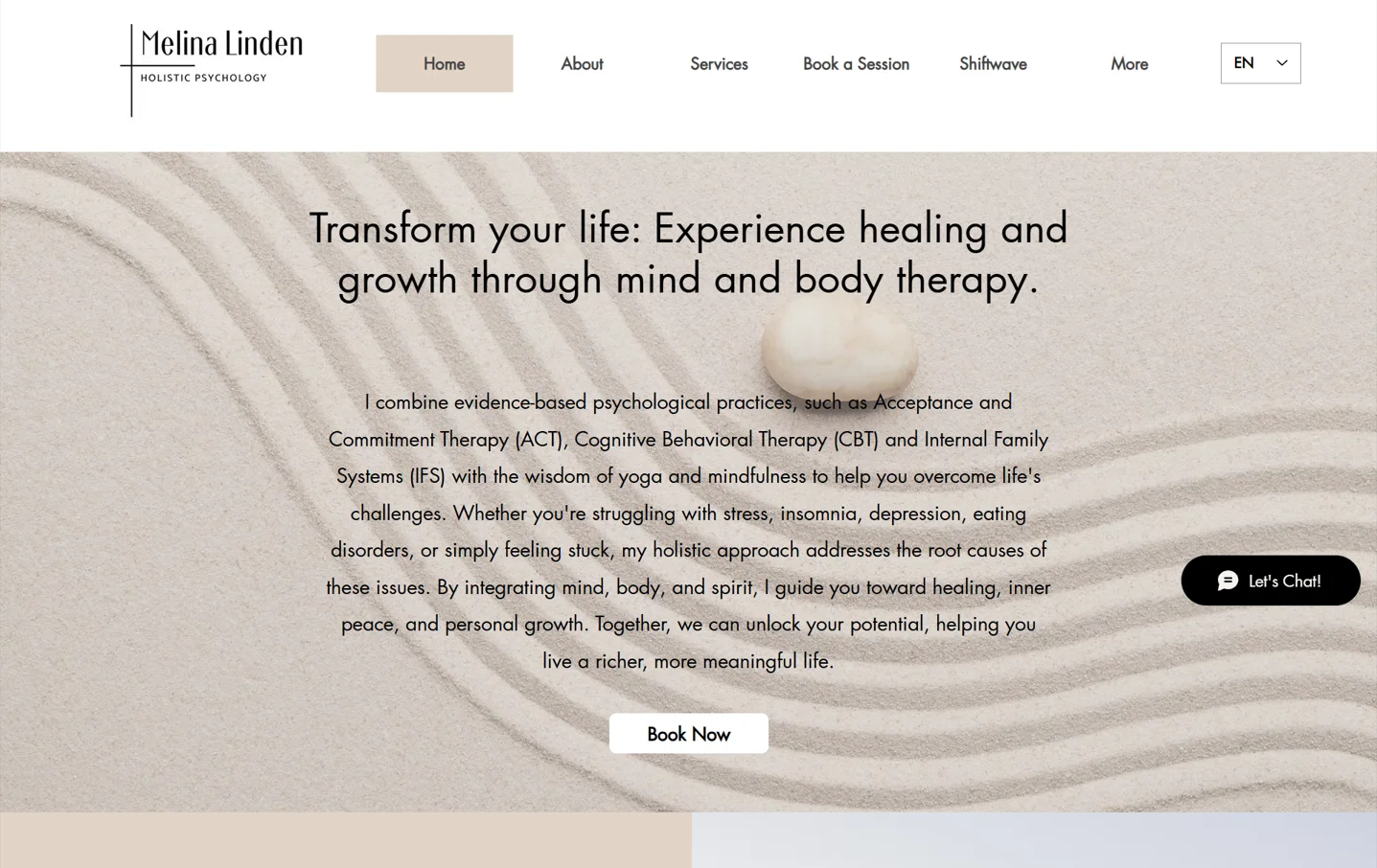
Melina Linden
Business Webflow Website
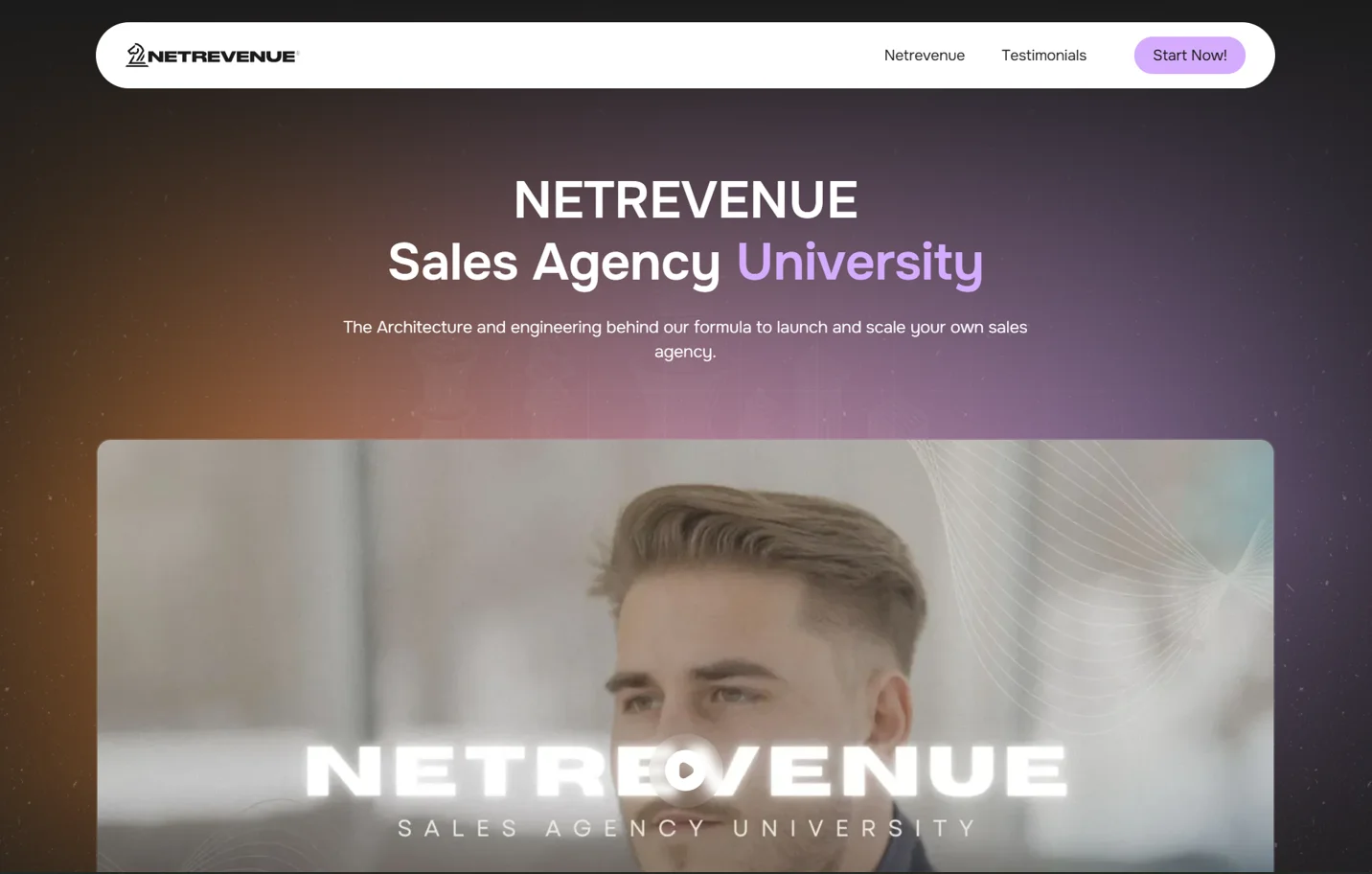
Sales Agency University
Sales Design Template on Webflow Website
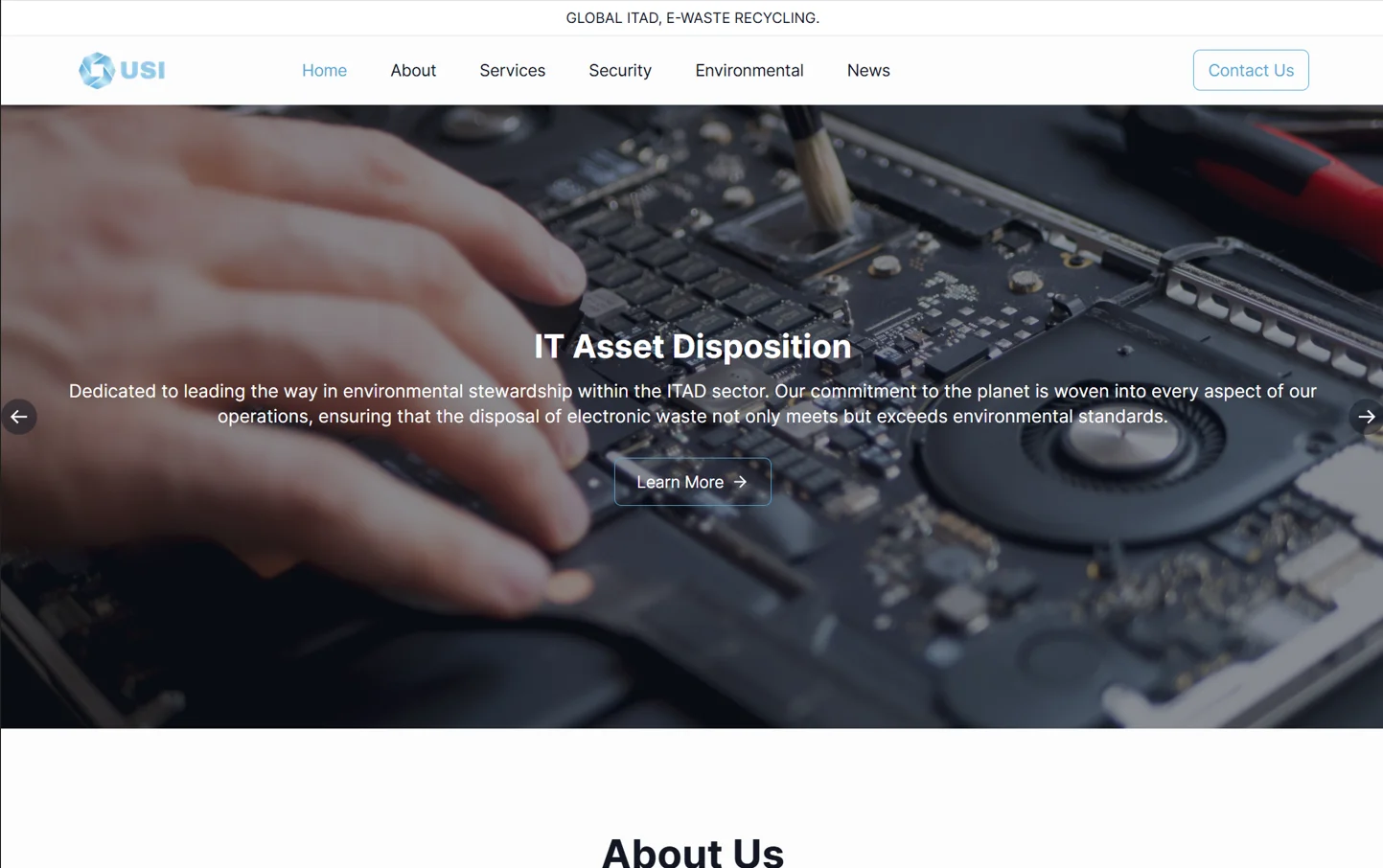
US Innovate
Webflow Project
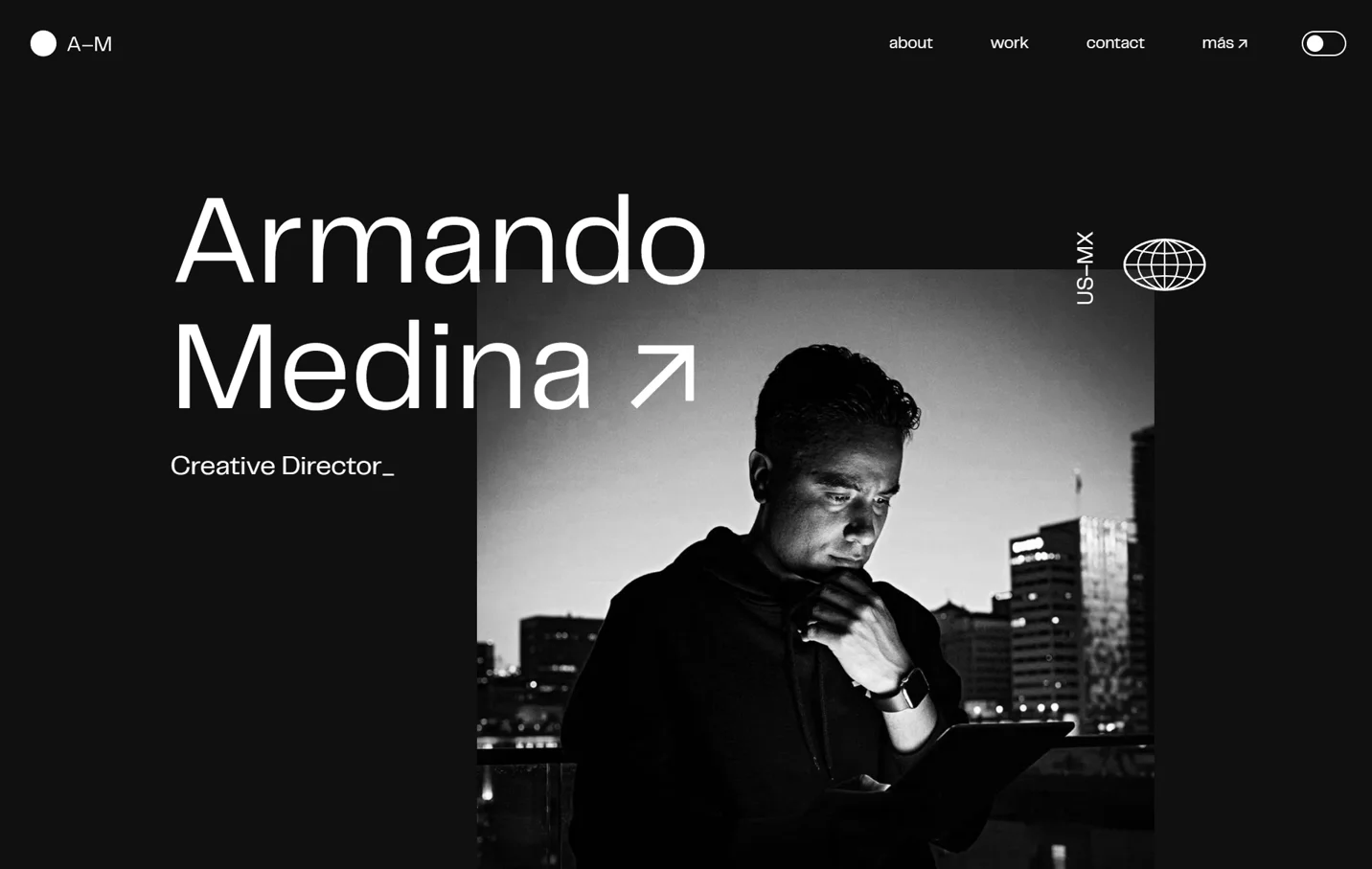
Armando Medina
Custom Webflow Business Website

Digital Akurasi
Business Webflow Website
GENIS
Business Webflow Website
People are talking
Making our clients happy isn’t just about building beautiful websites. It’s about building a relationship, earning trust, and growing together.
Henry Oliver
Owner, Oliver’s Outdoors
Neefox optimized our Google Ads campaigns with precision. Conversions increased, and ad spend efficiency improved. I only wish their dashboard insights were more customizable for tracking specific KPIs.
Stephanie Brown
Head of Growth, FreshMart
Neefox’s Google Ad Services team knows their stuff. My campaign delivered great results and reduced my cost per click significantly. The only downside was the initial setup, which took longer than anticipated.
James Valentine
Marketing Director, Prime Products
I partnered with Neefox for Meta Ads, and the results were fantastic. My brand reach grew exponentially. However, I felt their onboarding process could be more streamlined for first-time advertisers.
Lisa Monroe
Social Media Manager, GlowUp Co.
Neefox managed our Meta Ads campaign brilliantly. They achieved great ROI and improved ad performance. The only issue was a delay in responding to a few of our queries during the campaign.
Brian Turner
Digital Strategist
After working with Neefox for SEO, my site traffic doubled. Their strategies were well-thought-out, but I felt the monthly reports could have been more detailed to better understand the progress.
Olivia Green
Founder, Small Biz Digital
Neefox’s SEO team improved my website’s ranking significantly within three months. They also provided valuable content suggestions. While their services are not the cheapest, the results justified the cost.
FAQs on Webflow Logic and Automation
Have a Question? The Answer is Yes!
These are the questions we get from you the most.