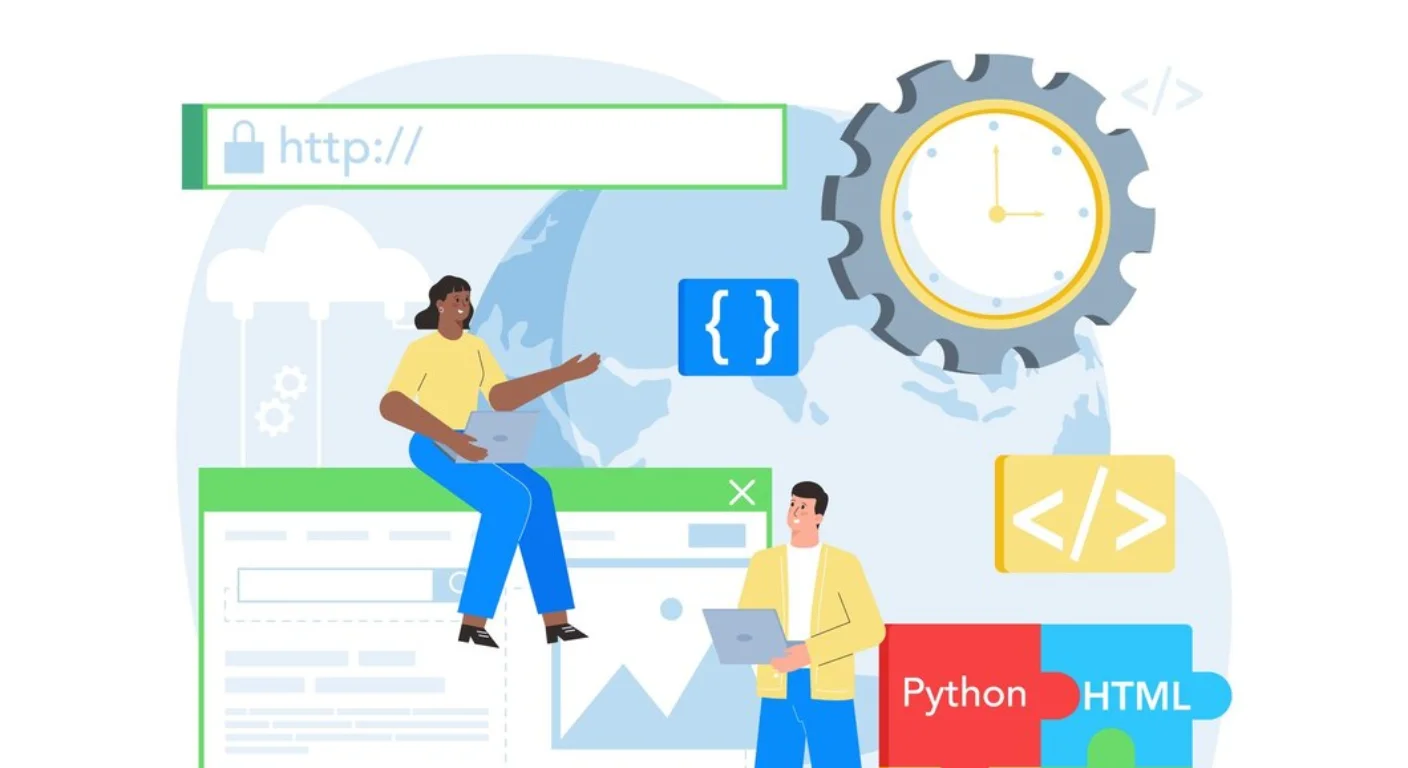
This guide provides a foundational comparison of HTML, CSS, and PHP, the three primary languages used in modern web development. It defines the specific role each plays—structure, presentation, and logic—and explains how they interact to create functional, responsive websites. Readers will learn to distinguish between client-side and server-side technologies and understand the specific use cases for each.
Introduction
Building a website requires the coordination of multiple technical layers. While a user only interacts with the final visual interface, that interface is the result of three distinct types of code working in harmony.
Understanding the differences between HTML, CSS, and PHP is essential for anyone entering the field of web development or managing digital projects. Each language has a unique syntax, purpose, and execution environment. Misidentifying their roles can lead to inefficient code, poor site performance, and difficulty in troubleshooting technical issues. This article serves as a definitive resource for categorizing these core technologies.
What Are HTML, CSS, and PHP?
In the context of web development, these three languages represent the skeletal structure, the visual skin, and the cognitive logic of a website.
- HTML (HyperText Markup Language): The standard markup language used to create the basic structure and content of a webpage.
- CSS (Cascading Style Sheets): A style sheet language used to describe the presentation and layout of a document written in HTML.
- PHP (Hypertext Preprocessor): A server-side scripting language designed for web development to create dynamic and interactive content.
Detailed Explanation (Core Content)
1. HTML: The Structural Foundation
HTML is the “noun” of the web. It is used to define what the elements on a page are, such as headings, paragraphs, images, and links. HTML is a W3C standard and is interpreted directly by the web browser (client-side).
- Role: Defines content hierarchy and semantic meaning.
- Syntax: Uses “tags” enclosed in angle brackets (e.g.,
<h1>,<p>,<div>). - Execution: The browser reads the HTML file and renders the objects on the screen in a top-down order.
2. CSS: The Visual Layer
CSS is the “adjective” of the web. It does not create new content; instead, it modifies the appearance of existing HTML elements. CSS allows developers to separate design from content, which is a best practice in web accessibility.
- Role: Controls layout, colors, fonts, spacing, and responsiveness.
- Syntax: Uses “selectors” and “declaration blocks” (e.g.,
p { color: blue; }). - Execution: Like HTML, CSS is client-side. The browser applies the styles to the HTML structure before displaying the page to the user.
3. PHP: The Functional Logic
PHP is the “verb” of the web. Unlike HTML and CSS, which are static and run on the user’s computer, PHP is a server-side language. It runs on the web server before the page is ever sent to the user.
- Role: Handles data processing, database communication, and user authentication.
- Syntax: Uses scripts enclosed in special tags (e.g.,
<?php ... ?>). - Execution: The server processes the PHP code, often fetching data from a database like MySQL, and then generates plain HTML to send to the browser.
4. How They Interact
A typical request for a webpage follows this sequence:
- The user requests a page.
- The server executes PHP scripts to pull the correct data.
- The server sends the resulting HTML structure to the user’s browser.
- The browser reads the CSS file to determine how to style that HTML.
- The user sees the finished, styled, and data-rich webpage.
Why This Topic Matters
Distinguishing between these languages is vital for technical SEO and site optimization. For example, if a site is slow, a developer must know whether to optimize the server-side logic (PHP), reduce the weight of the visual assets (CSS), or clean up the content structure (HTML). Furthermore, security is primarily handled at the PHP level, as HTML and CSS are visible to everyone and cannot safely process sensitive information like passwords.
Common Mistakes or Misunderstandings
- Thinking CSS creates content: CSS can add decorative elements, but it should never be used to provide essential information that isn’t in the HTML.
- Confusing PHP with JavaScript: While both handle logic, PHP runs on the server (backend), while standard JavaScript runs in the browser (frontend).
- Over-reliance on PHP for layout: Using PHP to echo out small bits of CSS is generally considered poor practice; keep styles in dedicated
.cssfiles. - Semantic Errors: Using HTML tags for visual purposes (like using
<h1>just to make text big) instead of using CSS for styling.
Best Practices / Recommendations
- Keep Concerns Separate: Store your structure in
.html(or.phptemplates), your styles in.css, and your logic in.phpfiles. - Use Semantic HTML: Always use the correct tag for the job (e.g.,
<nav>for navigation) to improve SEO and screen reader compatibility. - Validate Your Code: Use the W3C Validator to ensure your HTML and CSS meet modern standards.
- Sanitize PHP Inputs: Never trust user data. Always sanitize and validate information before processing it in PHP to prevent security vulnerabilities.
- Prioritize External CSS: Link to external stylesheets rather than using inline styles to ensure faster page loading and easier maintenance.
Who This Content Is For
- Aspiring Developers: Learning the “Big Three” of web technology.
- Content Managers: Understanding how their edits in a CMS (like WordPress) are rendered.
- Project Managers: Communicating more effectively with technical teams.
- Business Owners: Understanding the components they are paying for when hiring a web agency.
When This May Not Apply
This specific comparison may be less relevant in the following contexts:
- Mobile App Development: Native iOS or Android apps use different languages like Swift or Kotlin.
- Static Site Generators: Systems that pre-build HTML files, reducing the need for active PHP processing.
- Headless CMS Architectures: Where the backend and frontend are completely decoupled and interact via APIs.
Key Takeaways
- HTML provides the structure and content of the page.
- CSS defines the visual presentation and layout.
- PHP manages the server-side logic and dynamic data.
- HTML and CSS are client-side (browser); PHP is server-side.
- Effective web development requires the clean separation of these three layers.
FAQ
Can a website run without PHP?
Yes, a static website can run using only HTML and CSS, but it will not be able to process forms, handle logins, or update content dynamically without manual edits.
Is HTML a programming language?
Technically, HTML is a markup language, not a programming language, because it does not have logic, loops, or mathematical capabilities.
Where does CSS go in an HTML file?
While it can be placed inside <style> tags in the <head>, the best practice is to link to an external .css file using the <link> tag.
Is PHP still used in 2025?
Yes, PHP remains one of the most widely used languages on the web, powering major platforms like WordPress, Wikipedia, and Etsy.
Do I need to learn all three?
To be a “Full Stack” or “Frontend” developer, a working knowledge of HTML and CSS is mandatory; PHP is necessary if you wish to work on the backend or with WordPress.






![iPhone Screen Size & Resolution | All iPhone Display Sizes Guide [2025]](https://neefox.com/wp-content/uploads/elementor/thumbs/iPhone-Screen-Size-Resolution-All-iPhone-Display-Sizes-Guide-2025-rgmkelp2h92gpnmfqsmjdkahpn01tobstqqhbrcigg.png "_iPhone Screen Size & Resolution All iPhone Display Sizes Guide [2025]")