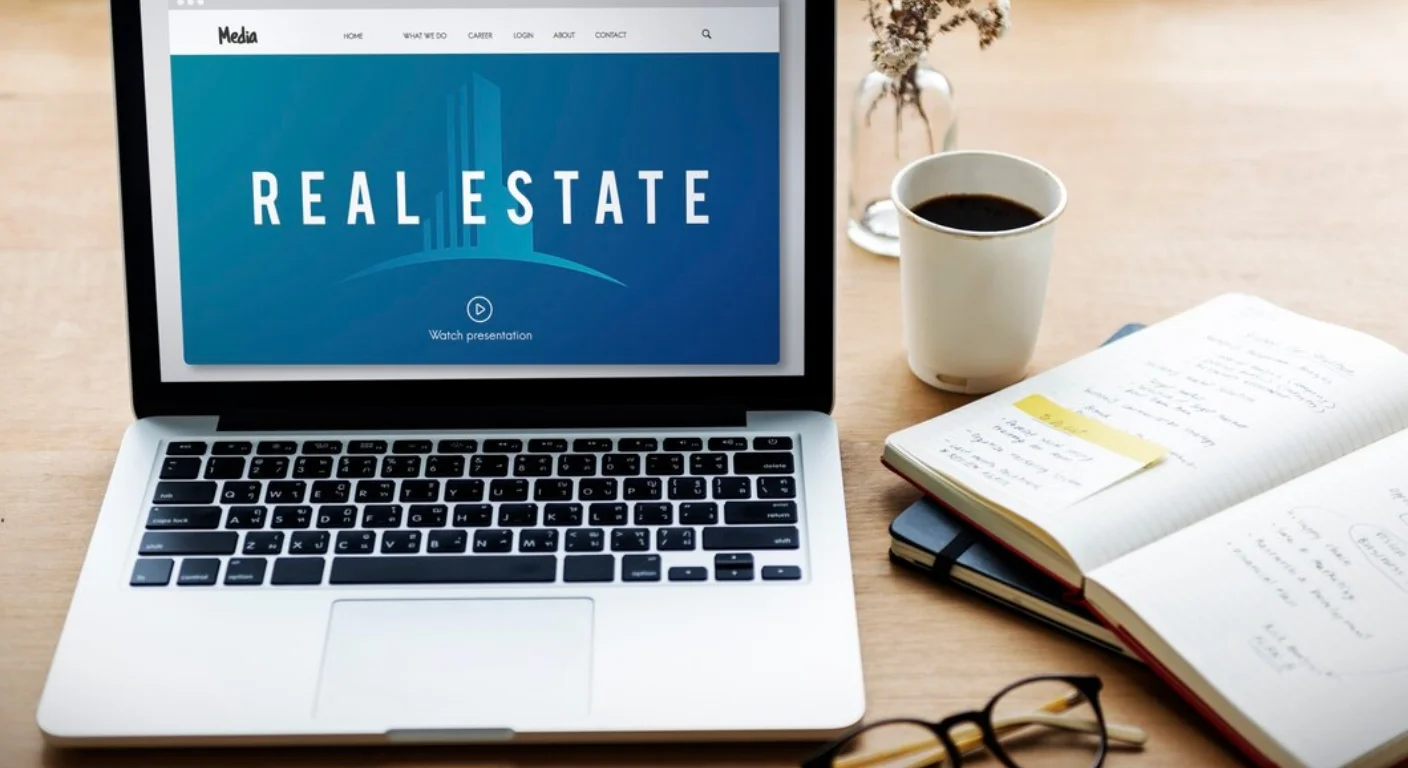
Creating a property rental website on WordPress requires a specialized combination of dynamic booking engines, secure payment processing, and real-time synchronization tools. This guide outlines the essential technical prerequisites, including iCal integration for multi-channel management and high-performance hosting requirements. Readers will learn how to structure their site for scalability, security, and optimal user experience in the competitive rental market.
Introduction
The digital landscape for property rentals has shifted toward direct-booking models, allowing owners to bypass high third-party commission fees. WordPress has emerged as a leading platform for these sites due to its flexibility and vast ecosystem of specialized rental tools.
However, building a functional rental platform is significantly more complex than launching a standard business website. It requires managing live inventory, handling sensitive customer data, and ensuring cross-platform availability. Understanding these requirements before beginning development is critical to avoiding common technical pitfalls and ensuring a high return on investment.
What Is a WordPress Property Rental Website?
A WordPress property rental website is a dynamic web application designed to showcase real estate listings for short-term or long-term lease. Unlike a static brochure site, it includes a “Booking Engine” that calculates pricing based on dates, manages availability calendars, and processes financial transactions.
These sites typically rely on Custom Post Types (CPT) to treat properties as unique data entities with specific attributes like “Number of Bedrooms,” “Location,” and “Amenities.”
Detailed Explanation (Core Content)
1. The Importance of iCal Synchronization
If you list your property on external platforms like Airbnb, Expedia, or Booking.com, you must implement iCal Synchronization. This is a standardized calendar data format that allows different platforms to communicate.
- Prevention of Double-Bookings: When a guest books on your site, the iCal feed notifies other platforms to “block” those dates.
- Automation: Without iCal, you must manually update calendars across every platform for every booking, which is prone to human error.
2. Choosing Between a Theme or a Plugin
There are two primary architectural approaches to building your rental site:
- The “All-in-One” Theme: Themes like Houzez or Residence come with booking logic pre-installed. These are easier to set up but can be difficult to customize if you want to switch designs later.
- The Plugin Approach: Using a dedicated plugin like MotoPress Hotel Booking or WooCommerce Bookings with a standard theme. This is often more flexible and allows you to keep your booking data even if you change your site’s visual design.
3. Payment Gateway and Security Requirements
Rental websites are high-value targets for data breaches. You must ensure:
- SSL Certification: Mandatory for encrypting guest data.
- PCI Compliance: If you process credit cards directly, your site must adhere to PCI Security Standards.
- Payment Deposit Logic: The ability to charge a “security deposit” or a “partial down payment” rather than the full amount at the time of booking.
4. Advanced Search and Filtering (UX)
Users expect to find properties quickly. Your site must utilize “Faceted Search,” which allows users to filter results by:
- Availability: Only showing properties open for specific dates.
- Price Range: Using sliders to define budget.
- Attributes: Filtering for “Pet Friendly,” “Pool,” or “Self Check-in.”
5. Managed Hosting for Dynamic Content
Rental sites are “heavy” because they perform constant database queries to check availability. Shared hosting is generally insufficient for these tasks.
- Object Caching: Essential for speeding up database-heavy tasks.
- Server Location: Choose a server geographically close to your primary target audience to reduce latency.
Why This Topic Matters
The rental industry is increasingly driven by mobile-first users who demand instant confirmation. A poorly constructed site can lead to lost revenue through abandoned carts or, worse, legal complications arising from double-bookings or data leaks. Furthermore, search engines like Google now prioritize Core Web Vitals, meaning a slow or non-responsive rental site will struggle to appear in search results, regardless of how beautiful the properties are.
Common Mistakes or Misunderstandings
- Ignoring Mobile Optimization: Over 60% of travel bookings happen on mobile; a complex search filter that fails on a phone will kill conversions.
- Underestimating Image Optimization: High-quality photos are essential, but unoptimized files will slow the site down.
- Relying on Manual Invoicing: Modern travelers expect instant “Book Now” functionality, not “Email for Availability.”
- Forgetting Transactional Emails: Failing to set up reliable SMTP services can result in booking confirmations ending up in the guest’s spam folder.
Best Practices / Recommendations
- Use a Content Delivery Network (CDN): Ensure your high-resolution property photos load fast globally.
- Implement Instant Booking: Only use “Request to Book” for high-end or highly specialized rentals to avoid friction.
- Automate Guest Communication: Set up automated emails for check-in instructions and post-stay reviews.
- Prioritize User Reviews: Build trust by displaying verified guest reviews prominently on property pages.
- Regular Security Audits: Because you handle personal data (names, addresses, payments), schedule monthly security scans.
Who This Content Is For
- Property Managers: Managing multiple listings across various platforms.
- Vacation Rental Owners: Looking to reduce their dependence on Airbnb/VRBO.
- Web Developers: Building client sites in the real estate or travel niche.
- Real Estate Investors: Seeking to build a brand around their property portfolio.
When This May Not Apply
These guidelines may not be necessary if:
- You only have one property: In this case, a simple landing page linking to an Airbnb listing might be more cost-effective.
- You are doing long-term leases only: Long-term rentals require applications and background checks, which are handled differently than short-term “booking” logic.
Key Takeaways
- iCal synchronization is non-negotiable for preventing double-bookings.
- High-performance managed hosting is required for database-heavy rental queries.
- Security (SSL and PCI compliance) is critical for handling financial transactions.
- Advanced filtering and mobile optimization are the primary drivers of user experience.
- Choosing between a specialized theme or a plugin depends on your long-term scalability needs.
FAQ
Do I need a special host for a rental website?
While not strictly required, managed WordPress hosting is highly recommended to handle the complex database queries required for availability checks.
What is iCal synchronization?
iCal is a standard file format that allows your WordPress site to sync its booking calendar with platforms like Airbnb and Booking.com automatically.
Can I accept payments directly on my site?
Yes, by using payment gateways like Stripe or PayPal, you can process credit card payments directly on your WordPress rental site.
Is WordPress secure enough for a rental business?
WordPress is highly secure if kept updated and paired with a reputable security plugin and managed hosting provider.
How do I handle security deposits in WordPress?
Most dedicated rental plugins allow you to set a “Security Deposit” fee that is either authorized on the card or collected at checkout.
How many properties can a WordPress site handle?
With proper hosting and database optimization, a WordPress site can comfortably manage hundreds or even thousands of property listings.





![iPhone Screen Size & Resolution | All iPhone Display Sizes Guide [2025]](https://neefox.com/wp-content/uploads/elementor/thumbs/iPhone-Screen-Size-Resolution-All-iPhone-Display-Sizes-Guide-2025-rgmkelp2h92gpnmfqsmjdkahpn01tobstqqhbrcigg.png "_iPhone Screen Size & Resolution All iPhone Display Sizes Guide [2025]")